
Where the speed comes from
- GPU inference runs without manual editing
- Batch processes up to 50 images
- The API supports asynchronous requests
- A failed image does not stop the rest of the batch
Use a professional AI model to remove product-image backgrounds in bulk. Process up to 50 images in the browser or connect the API to your product, content, or image system.
US$20 adds 1,000 Credits · 1 Credit per successful image · purchased Credits do not expire
Processing 1,000 images can cost US$80 to US$200 at public per-image rates from other popular tools. US$20 funds the same capacity with RemoveZero, while AI processes the batch automatically.
US$20 adds 1,000 Credits for up to 1,000 successful images. Batch and API share the same non-expiring balance.
The real drag is moving every image through separate cleanup, file matching, sizing, and publishing steps. Batch or API gives the result a shorter path into review and export.
Fewer handoffs does not mean zero review. Check every result before it enters a listing or feed.
Both paths use the same Credit balance and the same rule: 1 Credit for each successfully completed image.
A person reviews a set of images.
For catalog operators, sellers, studios, and teams that upload a defined set, review results, and download finished files in one browser session.
Your application sends the images.
For marketplaces, SaaS products, CMS or DAM platforms, and server workflows that submit images without operating the Batch page.
Funding of at least US$100 adds 5% bonus Credits, while US$500 or more adds 10%. Choose an amount that matches the image volume you expect to process.
Funding
US$20
Funding
US$100
Includes 5% bonus Credits
Funding
US$500
Includes 10% bonus Credits
The same purchased and bonus Credits fund either paid workflow.
Each successful image uses 1 Credit; confirmed failures return the reservation once.
Credits do not expire, so the balance remains available as work arrives.
Use representative products to inspect the edges that matter before catalog assets go live, then apply one output standard to matching items and separate settings to exceptions.
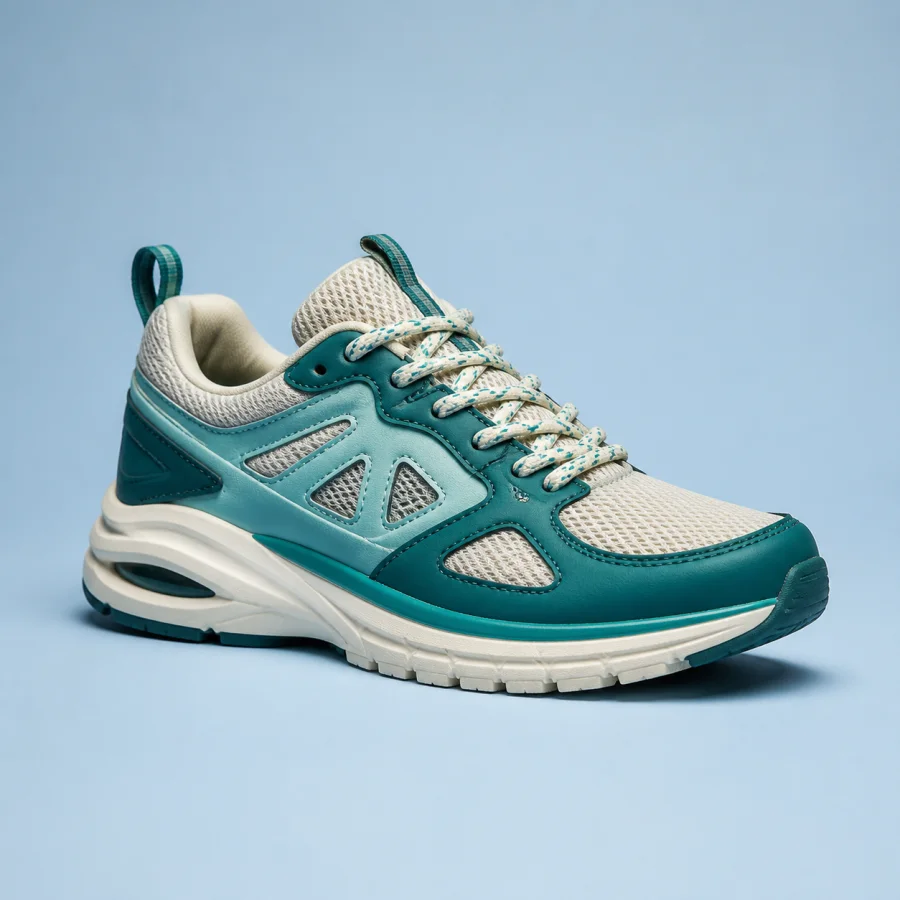
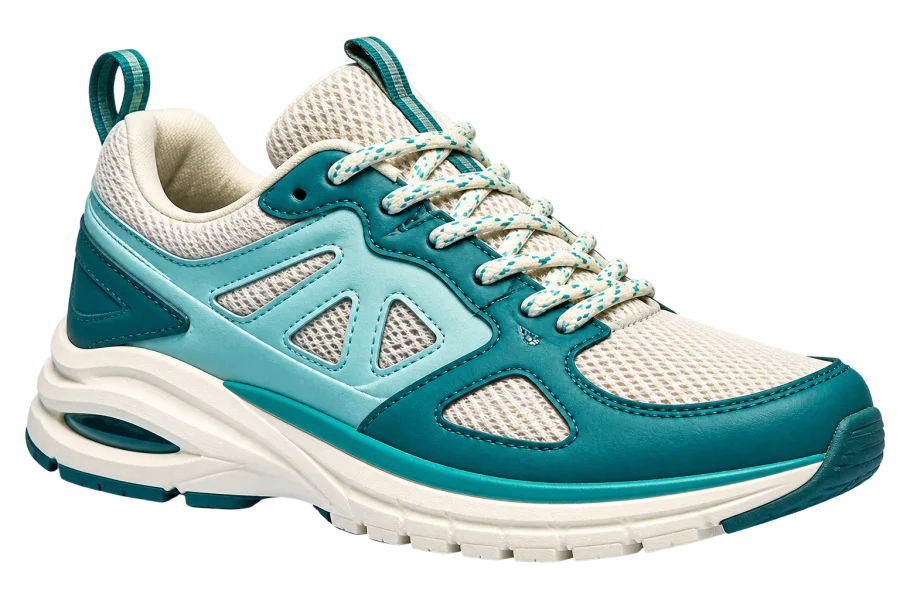
The reviewed result retains narrow laces, the heel loop, layered sole edges, and small open gaps.
It demonstrates one high-contrast footwear result.
It does not guarantee every soft shadow, blurred lace, or footwear photo.

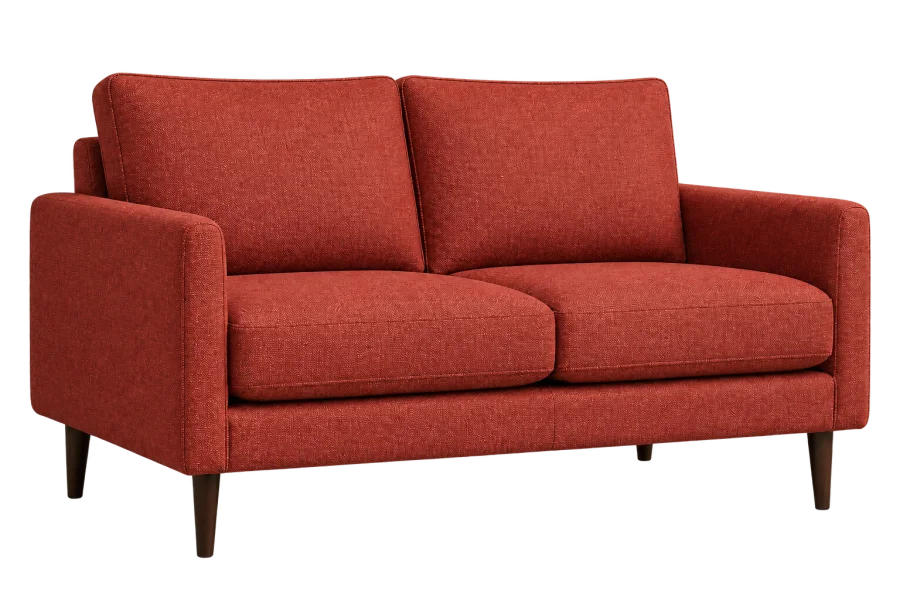
The reviewed result retains the upholstered silhouette, separate legs, and open areas beneath the seat.
It demonstrates one light-room furniture result.
It does not guarantee every white-on-white or occluded furniture scene.


The reviewed result keeps the bottle, cap, dropper, inner stem, highlights, and reflective body recognizable.
It demonstrates one reflective packaging result.
Transparent and reflective products still require review.
Test the same routine products, fine structures, openings, and reflective packaging across tools. Compare review effort, output controls, and total cost before moving recurring work.
Other background-removal tools
RemoveZero
Other background-removal tools
RemoveZero
Other background-removal tools
RemoveZero
Other background-removal tools
RemoveZero
Other background-removal tools
RemoveZero
Other background-removal tools
RemoveZero
Other background-removal tools
RemoveZero
Ecommerce sellers, studios, print businesses, marketplaces, and software teams can use the same workflow when they need consistent transparent or solid-background results.


Prepare consistent versions as supplier, launch, and seasonal SKU images arrive.

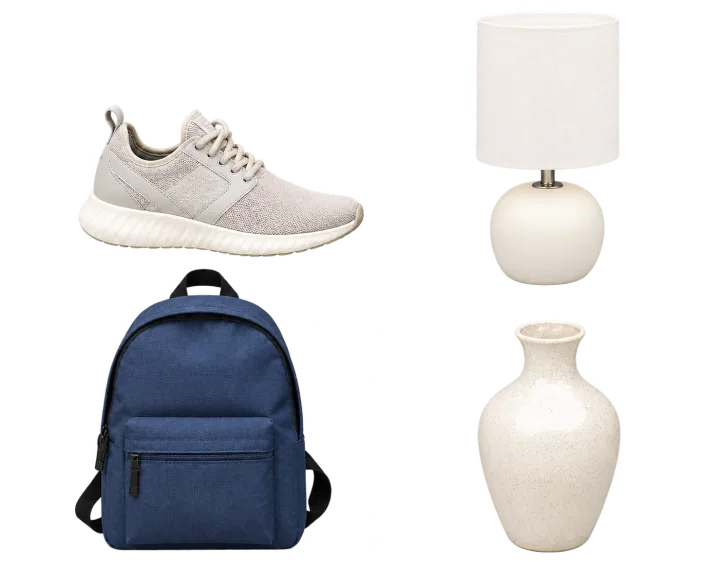
Turn varied seller submissions into a repeatable listing review step.


Create transparent assets before designs enter mockups and storefront flows.


Review shoot or event sets and apply a consistent delivery canvas.
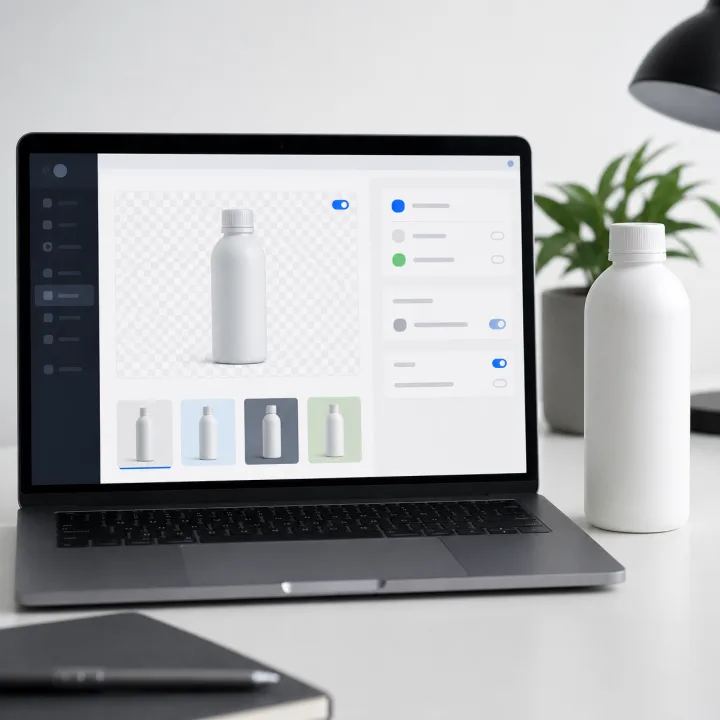
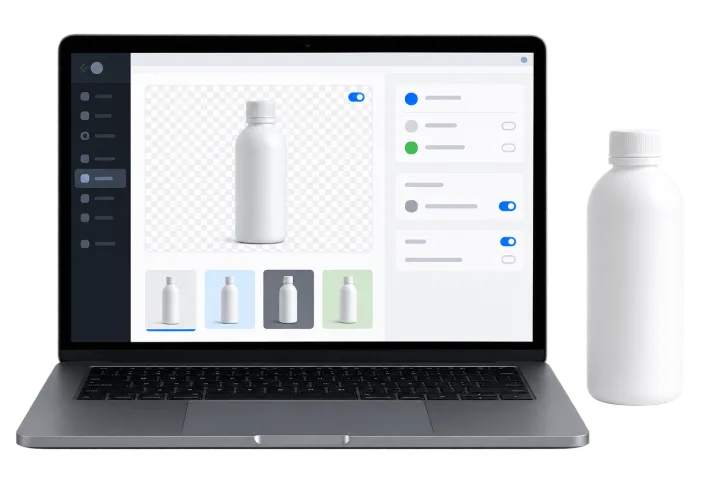
Make background removal a bounded step inside an existing image system.
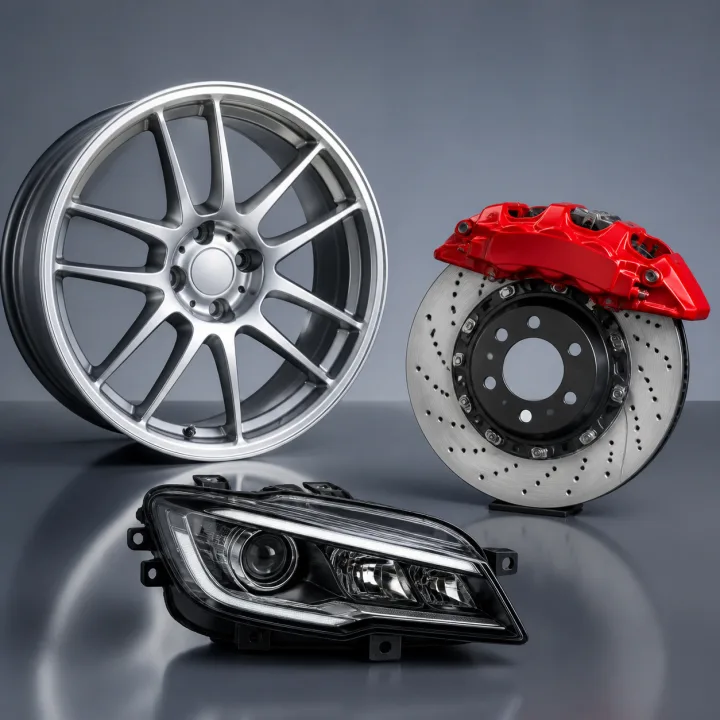
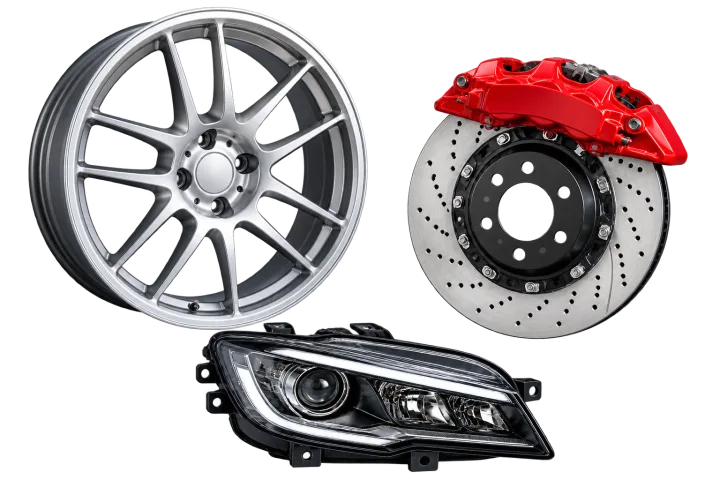
Prepare wheels, brake components, lights, and other detailed parts for catalogs and multi-channel listings.
Review the removal result once, then reuse supported output settings instead of rerunning inference for each channel.
Validate the first representative set in Batch or API before extending the workflow to the rest of the catalog.
New accounts confirm email and complete the required security check.
Fund the expected volume without a subscription or automatic renewal.
Use Batch for a reviewed set or API for a server-side product flow.
Save the files you need and reuse supported output settings without another removal.
Confirm the limits, billing, retry, data, and validation rules before moving recurring work.
No. Funding is a one-time purchase through hosted Checkout; add Credits when you need them.
Up to 50 images, with current limits of 5 MiB per image and 250 MiB per queue.
A confirmed failed paid item returns its reserved Credit once. One failed Batch item does not stop the remaining items, and retryable API backpressure is uncharged.
Yes. Both paid workflows use the same account Credit wallet, and each successful image uses 1 Credit.
No. Purchased and bonus Credits do not expire while the account remains in good standing.
Batch and API accept JPG, PNG, and WebP. Paid outputs support PNG or WebP plus the documented background and canvas controls.
Yes. Preserve the exact serialized body and Idempotency-Key. A new key starts a new attempt that may reserve another Credit.
RemoveZero and Supabase do not provide persistent storage for Batch or paid API image payloads. Save what you need before leaving the workflow.
Run a representative Batch set with routine products, thin structures, open gaps, reflective materials, varied dimensions, and your required outputs before moving production traffic.
Use Batch when a person reviews the set, or create an API key when images already enter through your product, CMS, or DAM. Both paths use the same non-expiring Credit balance without a monthly fee.