
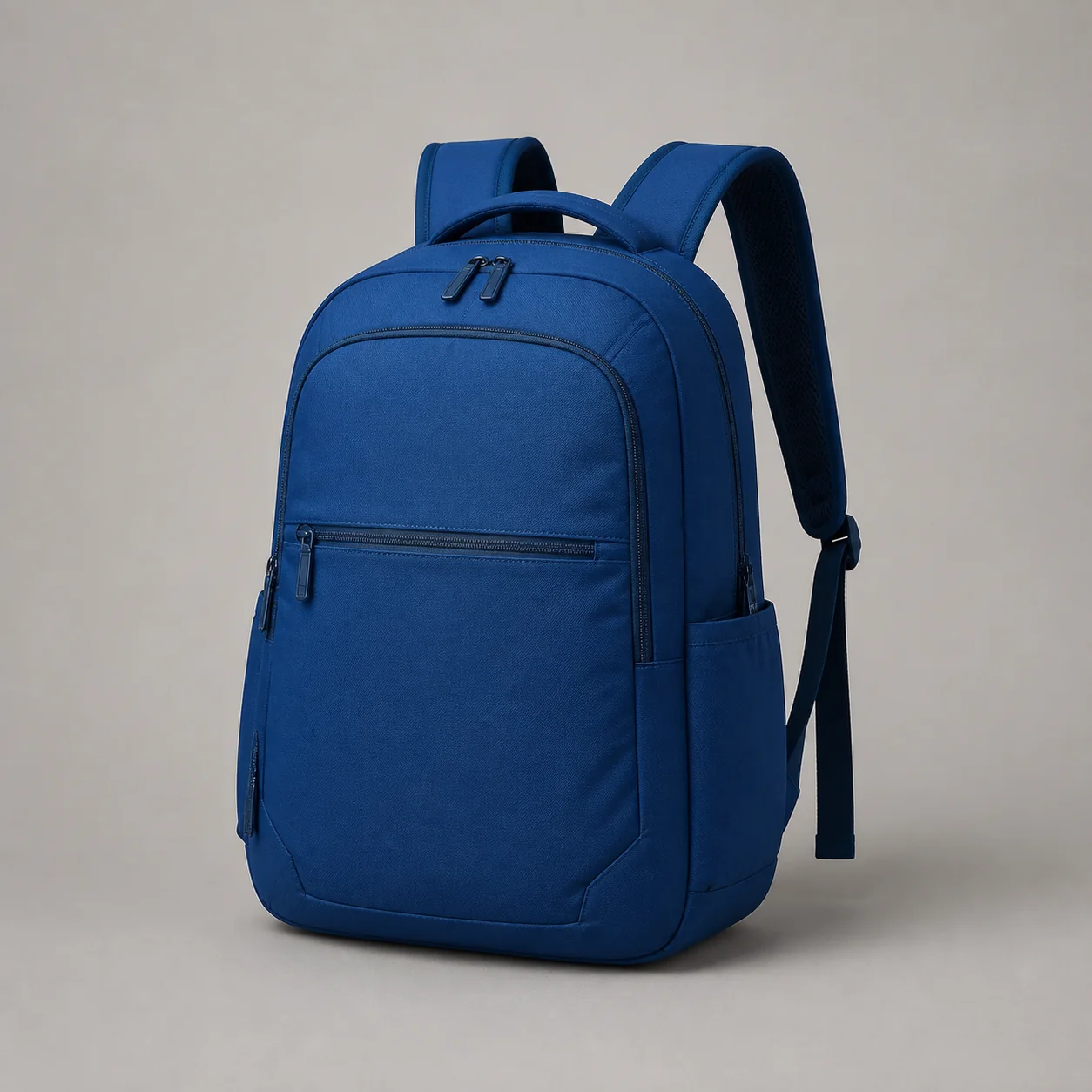
Suitable source
Upload one image at a time without an account, subscription, or Credits. Preview the result, then download it with transparency or a clean background.
Drop an image here
JPG, PNG or WebP · up to 5 MB · 32–12,000 px · up to 40 MP
RemoveZero evaluates the complete product instead of deleting one background color. Hard edges, rounded corners, narrow gaps, and visible color transitions can stay connected in the same transparent result. Glass, reflections, and extremely fine structures still deserve review.
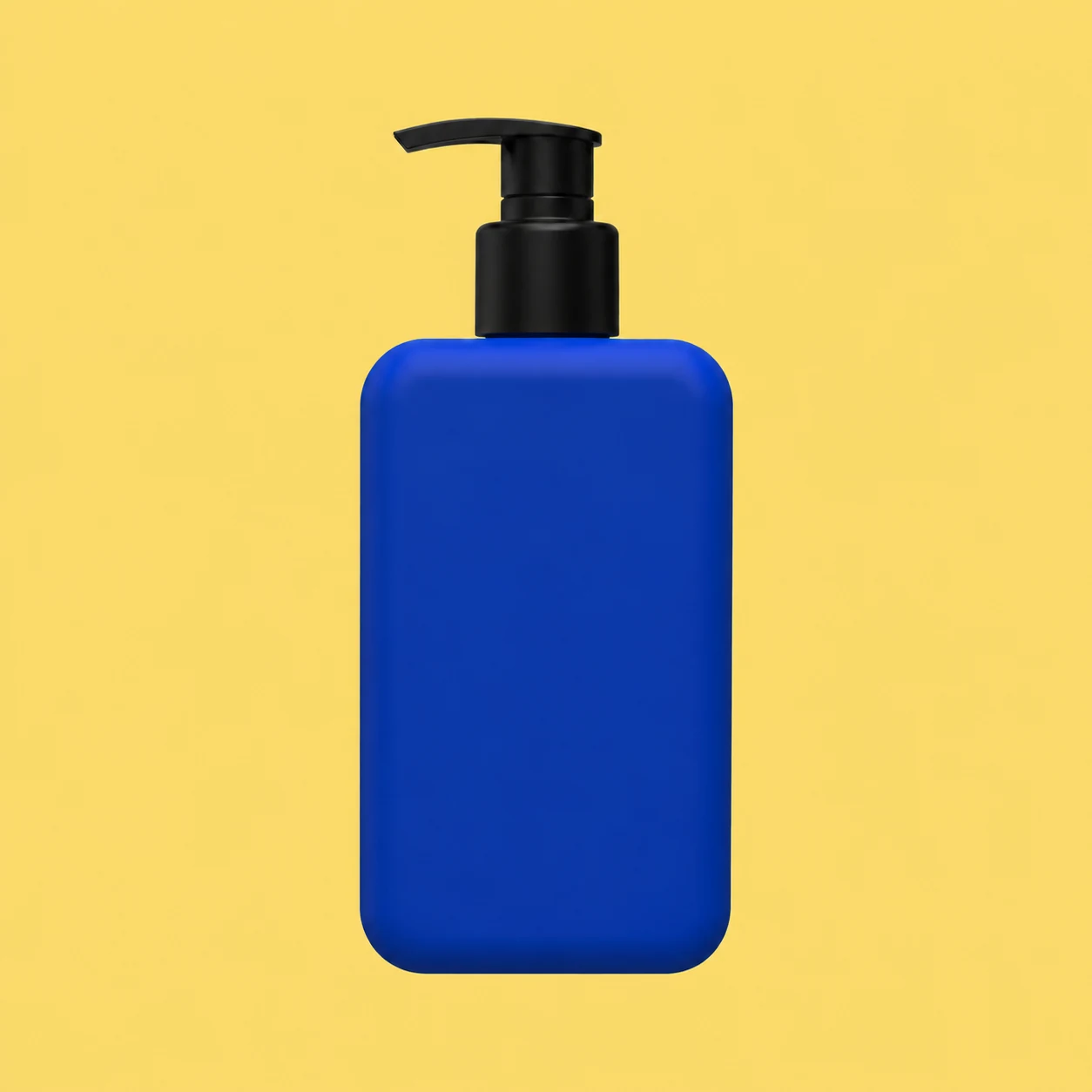
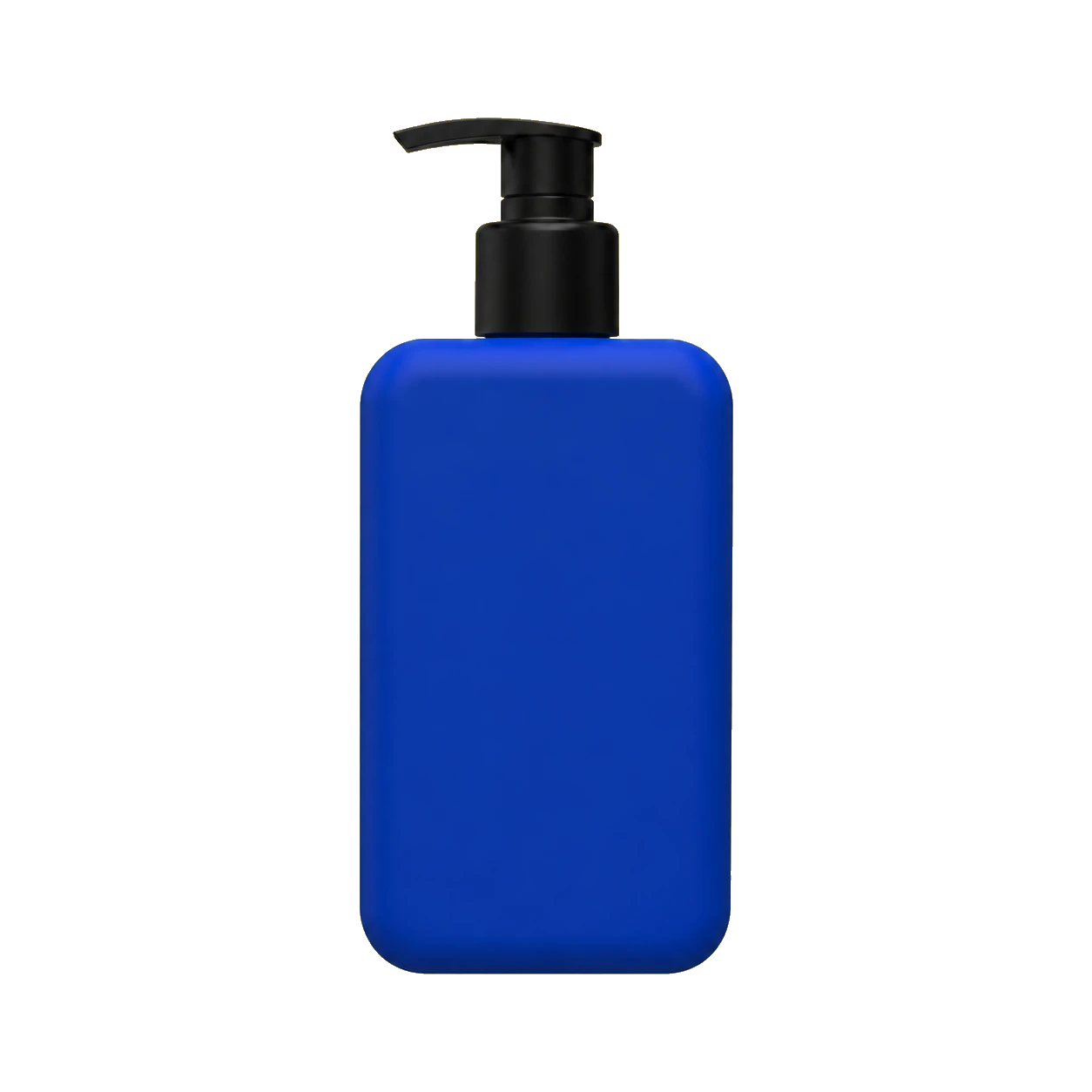
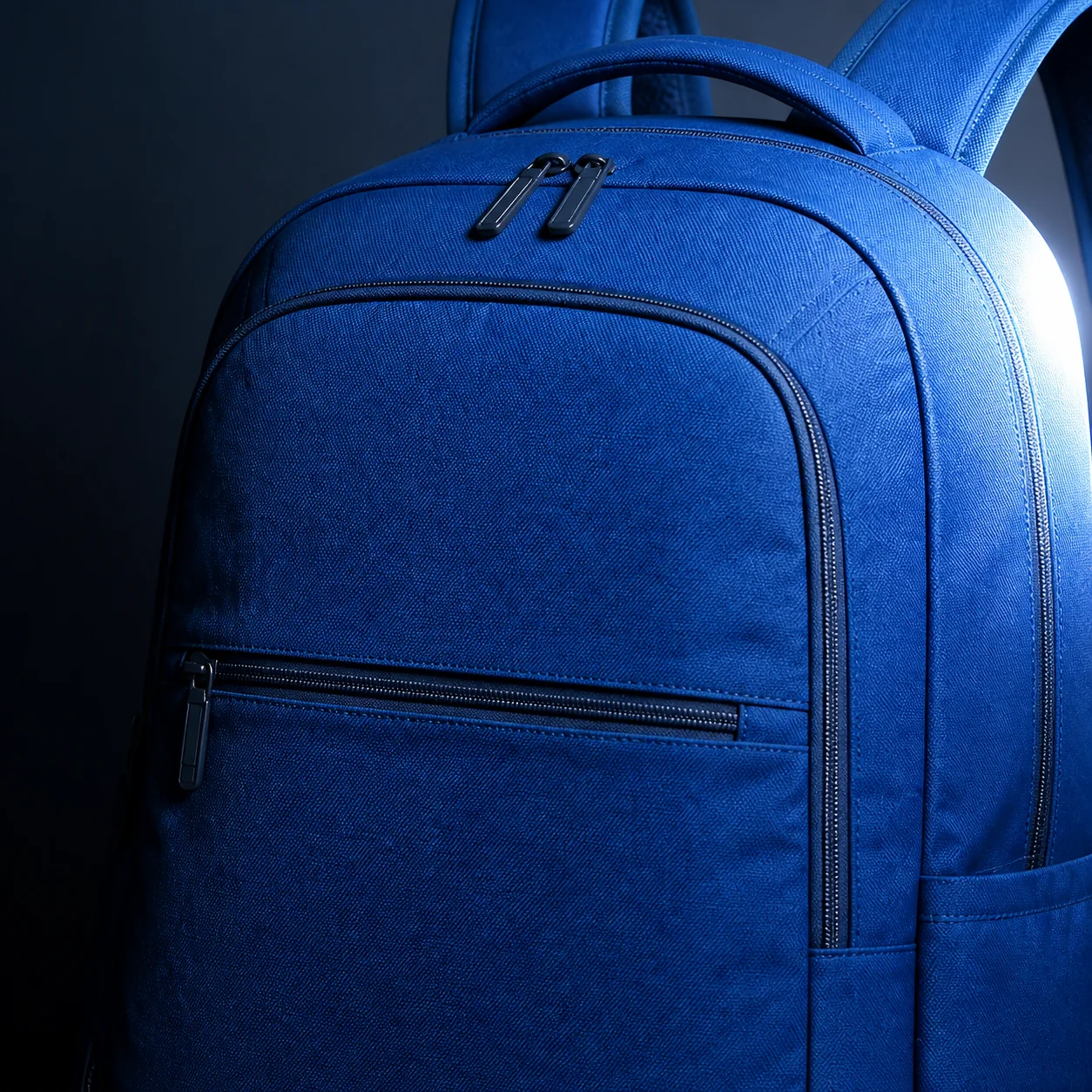
A suitable source shows the complete product with edges that are easy to distinguish. Avoid images with tight crops, blurred boundaries, or a product that blends into the background.
Keep the original-size transparent cutout as the master. Marketplace files should change only the canvas, background, and safe area, so a new channel or rule change never forces another background-removal pass.
01
The master preserves the complete subject at original size. Centering, padding, square crops, and background fills belong only in derived files, so one marketplace crop never becomes the source for another.
02
Google recommends a white or transparent background and 75–90% product fill, but warns that light products on transparency can appear against black. Create a white derivative when that contrast is unsafe, without adding borders or promotional overlays.
Google Merchant Center03
Etsy says transparent PNG regions appear black. Export an opaque version from the master, keep the first image square or landscape, and place the focal point safely in the center for cropped thumbnail views.
Etsy Help04
eBay recommends about 1600×1600, says 1:1 or 16:9 generally displays well, and asks the main photo to show the whole item face-on. Derive that framing from the full master instead of enlarging an earlier crop.
eBay HelpUpload one JPG, PNG, or WebP without an account or Credit deduction, review the result, choose the canvas, background, and format, then download PNG or WebP. Use Batch when you need a queue of multiple images.